Core Web Vitals in 2026: what actually moves rankings
Jitender Singh · Founder & Lead Engineer8 min read
Every few months a client forwards us a PageSpeed screenshot with a red score and asks how worried they should be. The honest answer is: it depends entirely on which number is red.
The three metrics that count
Core Web Vitals is three measurements, and they are not equally important to your rankings or your revenue.
LCP (Largest Contentful Paint) — how long until the biggest thing on screen appears. Target: under 2.5 seconds. This is the one that correlates most strongly with people leaving.
INP (Interaction to Next Paint) — how long the page takes to respond when someone taps or clicks. Target: under 200ms. This replaced First Input Delay in 2024 and it is much harder to pass.
CLS (Cumulative Layout Shift) — how much the page jumps around while loading. Target: under 0.1. Usually the cheapest to fix.
Lab scores are not field data
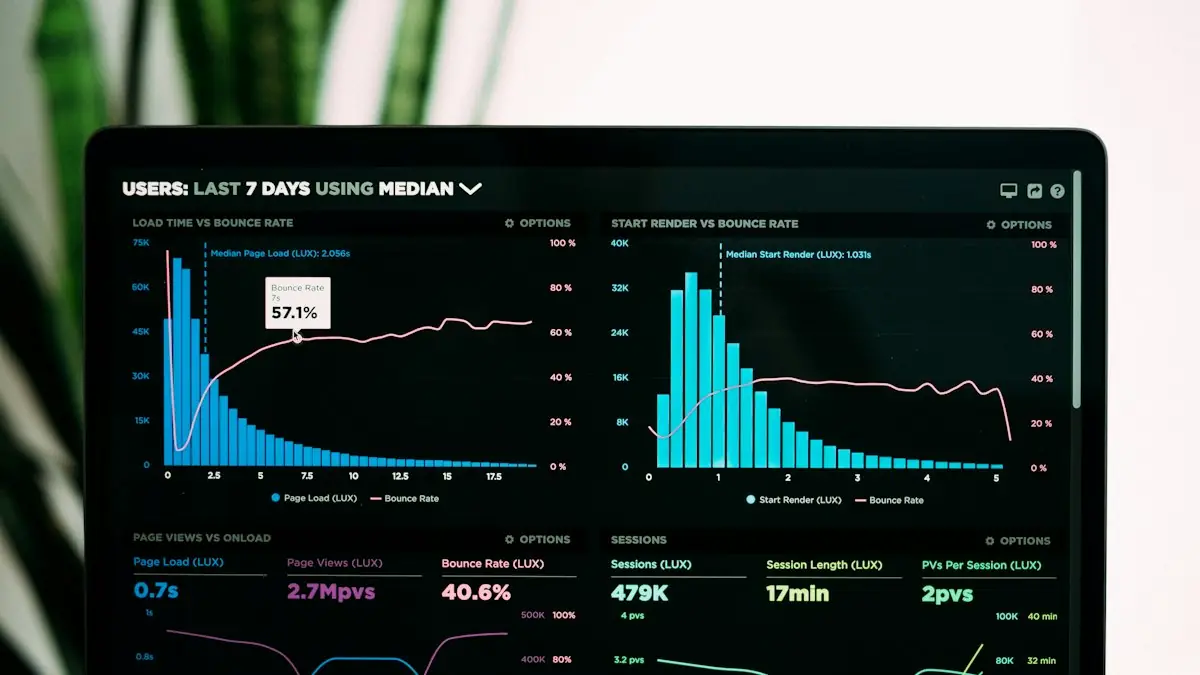
The single most common mistake we see is optimising for the Lighthouse score in Chrome DevTools. That is a simulation run on a throttled connection from your own machine. Google ranks on field data — the Chrome User Experience Report, gathered from real visitors on real phones.
Open Search Console, go to the Core Web Vitals report, and look at what your actual users experience. We have seen sites with a Lighthouse score of 62 passing all three field metrics comfortably, and sites scoring 95 that fail INP because one analytics script blocks the main thread on mid-range Android.
The three fixes worth doing first
1. Fix the LCP element, not the whole page
Find the single element that is your LCP — usually a hero image or headline — and make that one thing fast. Preload the image, serve it as WebP at the right dimensions, and never lazy-load it. Lazy-loading your hero image is the most common self-inflicted LCP wound we find.
2. Cut third-party JavaScript
Nearly every INP failure we diagnose traces back to tag manager containers stuffed with scripts nobody remembers adding. Chat widgets, heatmap tools, three analytics platforms, an abandoned A/B testing tool. Audit what is loading, delete what is not earning its place, and defer the rest until after interaction.
3. Reserve space for everything that loads late
Set explicit width and height on every image, reserve height for ad slots and embeds, and never inject a banner above existing content after load. CLS is almost always fixable in an afternoon.
What is usually not worth it
Chasing the last few points of a Lighthouse score has poor returns. Specifically, we would not spend a developer week on: inlining every scrap of critical CSS, removing a CSS framework that is already gzipped to 12KB, or migrating to a new stack purely for performance. Those are expensive and rarely move field data.
How much does this actually affect rankings?
Less than people fear, and more than they would like. Core Web Vitals is a tiebreaker, not a primary ranking factor. A slow page with the best answer will still outrank a fast page with a worse one. But between two comparable pages, speed decides — and more importantly, speed decides whether the visitor stays long enough to convert.
That second effect is the one worth paying for. On one e-commerce client we cut LCP from 4.1s to 1.6s and saw conversion rate rise 18% within a month, with no ranking change at all. The rankings were never the point.
A practical starting checklist
Check field data in Search Console, not Lighthouse
Identify your LCP element and preload it
Convert hero and above-fold images to WebP, correctly sized
Remove lazy-loading from anything visible on load
Audit Tag Manager and delete dead scripts
Set width and height on every image tag
Re-measure after two weeks — field data lags
Jitender Singh
Founder & Lead Engineer at Corewebbers, New Delhi.
14 years building web platforms and SaaS. Still reviews every architecture decision personally.
Most chatbot projects fail for boring reasons: the wrong use case, no guardrails on pricing, and nobody reading the transcripts. What we have learned launching AI assistants on WhatsApp for clinics, coaching institutes and D2C brands.
A plain-English comparison for owners running production on Excel and Tally. When an off-the-shelf ERP is the right answer, when a custom build pays for itself, and the questions to ask before you sign anything.
UPI, COD, GST invoices, Shiprocket and sale-day traffic change the answer for Indian brands. How we pick a platform for D2C and B2B stores, with real costs and trade-offs.